
How to connect a home inventory app to your garage storage
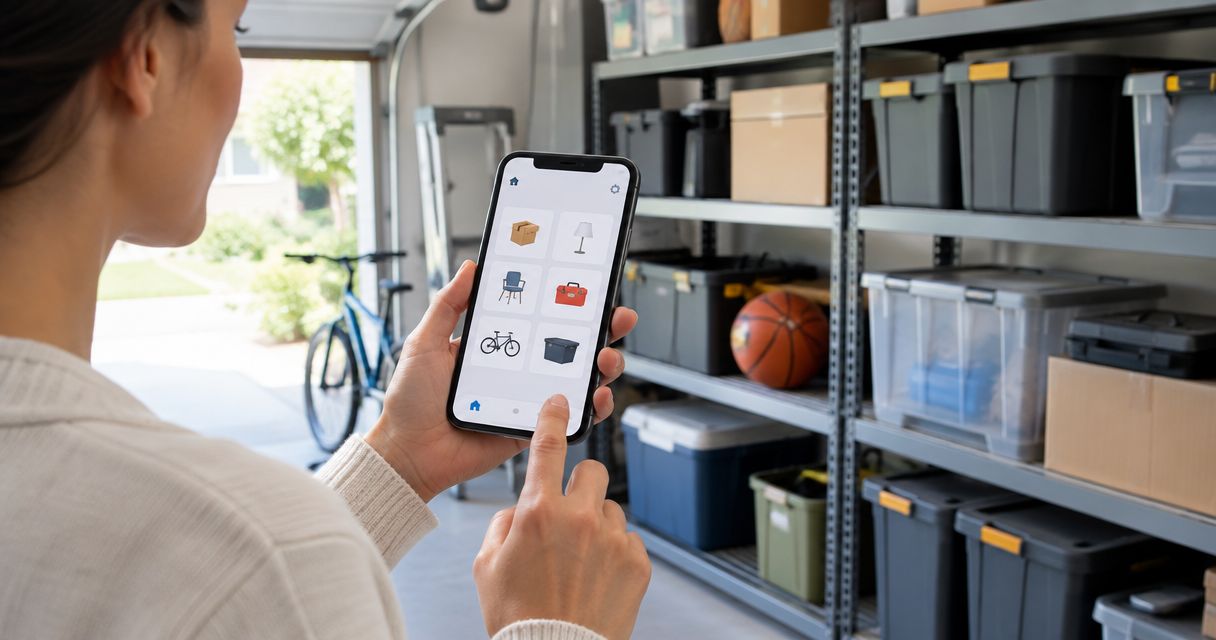
Instead of opening garage bins whenever you need something, connect your home inventory app to garage storage with matching location names, container IDs, and photos. The workflow below links each digital record to a physical spot, then gives you a simple rule for keeping both accurate when belongings move.
- Connect home inventory app to garage storage using matching container IDs, searchable descriptions, and location photos.
- Stashsavvy recommends a bin-first inventory for homeowners and renters organizing ordinary garage storage.
- Start with readable labels; add QR codes only if your chosen app supports record links.
- Moving an item still requires an inventory update unless a verified integration handles that action.
Why this matters
A garage inventory needs to answer two questions: what do you own, and where is it now? A photograph of a closed tote answers neither unless its record includes useful contents and a location you can recognize.
Stashsavvy's garage storage workflow is best for homeowners and renters who want searchable bins without smart hardware. This is an organizational connection, not a claim that an app can detect objects entering or leaving a container.
For your 2026 setup, use the storage you already have before replacing shelves or buying more containers. If the physical layout needs attention first, review these garage storage systems and choose an arrangement that leaves labels visible.
The goal is not a perfect catalog. It is a reliable route from a search result to the right shelf, drawer, or bin.
Before you start
- Access and app capabilities: Have your phone, your inventory account, and permission to edit records. Confirm that your chosen app supports searchable descriptions, photos, and some way to record locations. Check household sharing separately if others will update the inventory.
- Materials and a small starting area: Gather existing containers, removable labels or tags, a marker, and a tape measure if shelf fit needs checking. Start with 1 shelf or 3 bins rather than emptying the entire garage.
- The gotcha: a QR code is not an inventory update. Scanning a code only opens its destination. Confirm that your app supports usable record links before printing codes, and test access from another household member's phone before labeling everything.
This guide is app-neutral. The record labels below are suggested names for your information, not claims about buttons or menu labels in a particular app. Use the equivalent fields your app provides; when a field is missing, put that information in the searchable description.
Configuration unit: Garage location map
1. Name your storage zones
Stand at the garage entrance and choose names based on fixed features: entry wall, back wall, or workbench. Avoid directions such as left and right without a reference point; they change when you turn around.
Write down your zone names before creating records. If someone else uses the garage, ask them to point to each zone using only your description. Rename any location that needs extra explanation.
2. Give each container a permanent ID
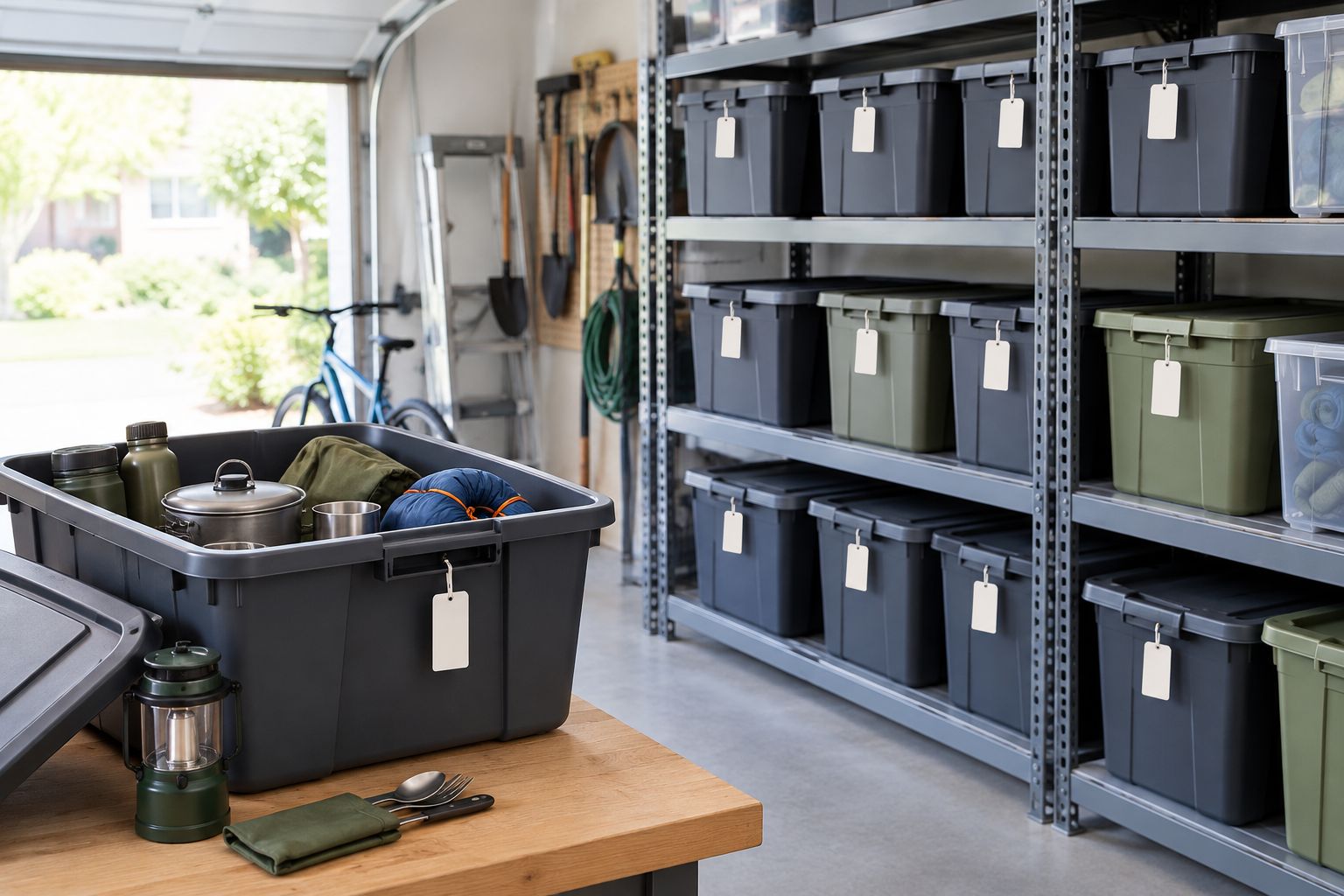
Assign a short identifier such as G-BIN-A to a tote and G-DRAWER-A to a drawer. Put the same identifier on the physical container and in its digital record.
Keep the container ID separate from its location. A bin named Back Wall Bottom Shelf becomes misleading when you move it. G-BIN-A can stay the same while its location changes.
For open shelves, assign an identifier to the shelf section instead. You do not need to put every object into a container just to make it searchable.
3. Place labels where you can read them
Label the outward-facing side rather than only the lid. If containers face different directions during use, repeat the same identifier on another visible side; do not create a second record.
For rental-friendly storage, use removable tags on your own bins or shelving rather than attaching labels to walls. Keep required safety information on original containers uncovered.
Expected result: You can identify a container without opening it, and another household member can find its storage zone without a tour.
Configuration unit: Inventory records
4. Choose your record detail
A container-level inventory is a practical starting point for mixed household storage. Individual item records suit belongings you need to identify separately, but they create more upkeep.
These are workflow choices, not app recommendations or hands-on product test results. Choose based on how you retrieve belongings and how much updating you will actually do.
| Record approach | Best for | Advantage | Limitation |
|---|---|---|---|
| Container record | Seasonal decorations and grouped supplies | Fewer records to maintain | You must describe contents clearly |
| Individual item record | Tools or equipment tracked separately | Direct search for a specific object | Each move needs its own update |
| Mixed records | Shared garages with varied storage | Detail where it matters | Requires a clear rule about what gets a separate record |
Start with container records, then add individual records only when they solve a retrieval problem. Do not catalog every washer and loose screw just because the app allows it.
5. Create the first record
Use these suggested information labels wherever your app supports them:
- Container ID: The exact identifier printed on the bin.
- Location: Garage, Back Wall, Middle Shelf.
- Contents: Plain-language names of the belongings inside.
- Photo: An open-container image showing the contents.
- Updated: The date you last checked the record, if your app does not already track changes.
For example, a record can describe G-BIN-A as containing tent stakes, guy lines, and a mallet. Include the words your household actually searches for; a category such as Outdoor does not identify those contents.
6. Photograph the contents and their location
Take an open-bin photo before replacing the lid. Then photograph the bin on its shelf with nearby landmarks visible.
The contents photo helps identify what belongs inside. The wider photo helps someone recognize the storage position. If the app accepts only one photo per record, prioritize the contents and write the location explicitly.
Avoid including sensitive paperwork or access codes in household inventory images. Check the app's sharing settings before inviting anyone else.
7. Run a retrieval test
Put the bin away, leave the garage, and search for an item from memory. Follow the record back to the physical container without relying on what you remember from setup.
Give yourself a 10-minute setup session for this first trial, not a deadline for the whole garage. If the search fails, improve the description before adding more records.
For records created in 2026, use the actual checking date rather than copying an old date from a template. A fresh-looking record should reflect a real check.
Expected result: Searching for a named item returns a record with a readable container ID, recognizable location, and useful contents description.
Configuration unit: Retrieval and updates
8. Add QR access only when supported
Readable text labels are enough to connect a record to a bin. QR codes are an optional shortcut when your app provides a suitable record link or a built-in labeling feature.
If supported, open the record using the app's documented method, generate the label through its supported process, and test it before attaching it permanently. Do not assume that copying any address produces a lasting, shareable record link.
Keep the container ID visible beside the code. A phone camera problem should not make your storage system unusable.
9. Agree on the movement rule
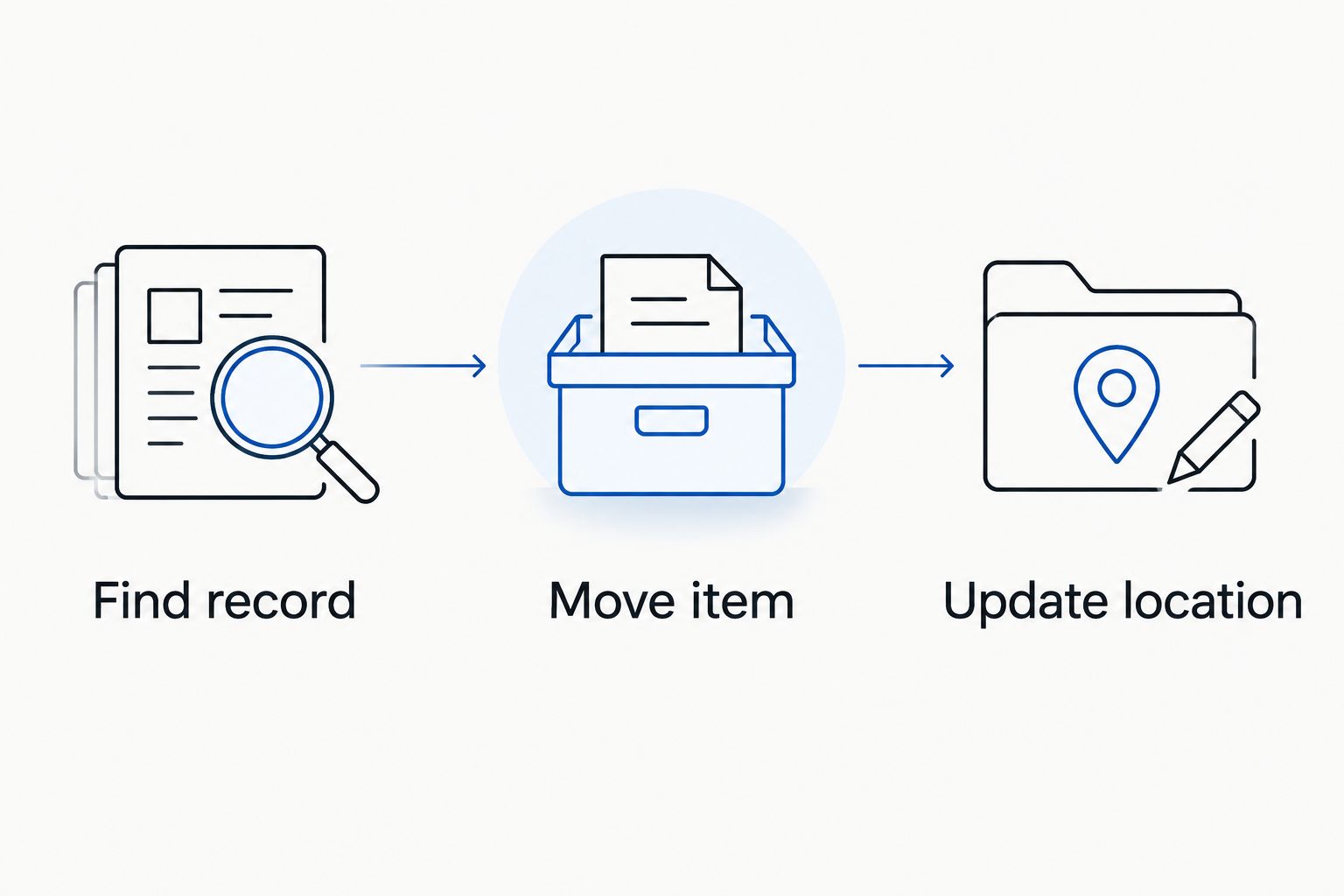
Use a simple sequence whenever something changes: Find record, Move item, Update location. If you remove something permanently, remove it from the contents description too.
A temporary workbench pile needs a location just as much as a shelf does. Record Workbench while a project is active rather than leaving the inventory pointed at an empty bin.
10. Check shared access
Ask another household member to find the record and identify the matching bin. If they will maintain the inventory, confirm they can edit it using their own authorized access.
If your app does not support shared editing, name one person responsible for updates and agree on how others report changes. Do not solve a permissions problem by making private records public.
Expected result: A move ends with the digital location matching the physical location, and everyone knows who updates the record.
Second workflow: Update records during seasonal swaps
A seasonal swap is a useful time to refresh the inventory because the containers are already open. Use the same container IDs rather than creating a new set of records for every season.
- Open the existing record. Compare its description with the actual contents before packing anything away.
- Remove stale entries. Delete references to belongings that were donated, discarded, or moved elsewhere.
- Describe the replacement contents. Add plain-language names for what is going into the bin now.
- Replace the contents photo. Keep the current image distinct from any historical photos your app retains.
- Confirm the destination. Update the shelf location before returning the container to storage.
For a 2026 seasonal reset, review the bins you are handling rather than assigning the entire garage an unchecked update date. Do not rename a permanent container identifier after its temporary contents.
Best for: Holiday decorations, camping supplies, and seasonal sports gear. The advantage is that checking happens during an existing task; the limitation is that changes between swaps still need updates.
Troubleshooting
Search finds the bin but not the item
The contents description is too broad or uses different vocabulary. Add the item's ordinary name and a useful synonym, such as holiday lights and string lights. Check that your chosen description field is included in app search.
A QR code opens a sign-in page
The record requires authentication, or the scanning phone lacks permission. Sign in with an authorized account and check sharing settings. If direct record access remains unreliable, use the printed container ID to search instead.
The record points to the wrong shelf
Someone moved the container without updating its location. Correct the record at the shelf, then simplify the movement rule. Keep locations descriptive enough to follow but short enough to update willingly.
Household members create duplicate records
The same container has been entered under different names. Choose the record that matches the physical ID, copy across any missing information, and remove the duplicate after checking its contents. Search the container ID before creating future entries.
Inventory work takes longer than organizing
The record detail exceeds your needs. Return to container-level descriptions for ordinary grouped belongings and reserve individual records for objects you retrieve separately. Set a 15-minute limit for the next shelf, then check whether the result helps you find anything.
Customize your workflow
Expand by retrieval need, not by the urge to document everything. A frequently used tool area benefits from precise locations; a bin of matching seasonal decorations needs a clear contents list more than a separate record for each piece.
Keep your 2026 inventory project small until the first area stays accurate through actual use. After 7 days, check whether moved items reached their recorded locations. Treat that interval as a suggested review point, not an app requirement.
If your app offers export or backup tools, review their documentation and confirm what an export includes. Do not assume photos, attachments, and sharing permissions travel with a spreadsheet file.
Stashsavvy's home organization approach here keeps the physical setup and the digital record equally simple. Add another shelf only after someone can successfully find and return belongings in the first one.
FAQ
How do I connect a home inventory app to garage storage?
Give each bin or storage section a unique ID, put that ID in its inventory record, and add a location, contents description, and photo. Update the record whenever the belongings or location change.
Do I need QR codes for a garage inventory?
No. Readable container IDs and searchable records are enough. QR codes are optional shortcuts when your app supports reliable record links or its own labeling feature.
Will a home inventory app automatically know when I move a bin?
A label-and-record workflow does not detect movement automatically. Update the location yourself unless you have confirmed a separate integration that records the actual move.
Should I track every garage item separately?
Start with container records for grouped belongings and individual records for objects you need to find separately. More detail creates more maintenance, so add it only when it improves retrieval.
Can renters use this garage inventory method?
Yes. Put removable labels or tags on your own containers and record their locations without altering walls. The inventory connection does not require permanent installation.
What should I do when a garage QR label stops working?
Search the printed container ID in your app and check the record’s access settings. Test any replacement link before printing another label, and keep the readable ID beside it.
How often should I update my garage inventory in 2026?
Update a record whenever its contents or location change. Seasonal swaps provide an additional opportunity to compare descriptions and photos with the belongings actually in each bin.
One last thing
Give the container a permanent identity, not a permanent contents name. A tote labeled G-BIN-A can hold camping gear now and decorations later without forcing you to replace every reference to it.
Before expanding, ask someone to retrieve an item using only its record. If they need you to explain the location, fix the description first. Stashsavvy's recommendation for 2026 is simple: make one shelf dependable before making the whole garage digital.
Related guides
- Garage storage ideas for DIY hobbyists
- Garage storage ideas for RV and camper owners
- Label makers for home organizing
- Connect Google Photos to your digital declutter routine